Why Developers Should Dictate
You write code with your hands. But you also write a lot of things that are not code -- and those things are slowing you down.
PR descriptions. Documentation. Code review comments. Slack messages. Emails to stakeholders. Meeting notes. README updates. Commit messages. Jira tickets. These are all natural language, and typing them is three times slower than speaking them.
SpeakUp lets you dictate all of it without leaving your editor. Press your hotkey, speak, press again. Text appears at your cursor. No context switch, no app change, no mouse movement.
Use Cases for Developers
PR descriptions and commit messages. You have just finished a complex feature. Instead of spending five minutes typing a detailed PR description, speak it in ninety seconds. The context is fresh in your mind -- capture it before you move on.
Documentation. Writing docs is the task every developer postpones. Dictation makes it three times faster and removes the friction that causes procrastination. Speak your explanations naturally, then clean up the text. The hardest part -- getting words on the page -- is solved.
Code review comments. Explain why a pattern is problematic, suggest an alternative approach, or describe a subtle bug -- all spoken naturally instead of laboriously typed into GitHub's comment box.
Slack and email. Your team needs a response. Instead of typing a paragraph, speak it in fifteen seconds. SpeakUp works directly in Slack, Discord, email, Linear, Notion, or any app with a text field.
Built on whisper.cpp
SpeakUp runs whisper.cpp directly on your Mac's GPU using Metal acceleration. It is the same Whisper model family from OpenAI, optimised for Apple Silicon by Georgi Gerganov. The engine is open source and MIT licensed.
Everything runs locally. No API calls, no cloud servers, no data leaving your machine. Your dictation does not end up in anyone's training data. For developers who care about where their data goes, this matters.
Not for Writing Code
SpeakUp is not designed for dictating code syntax. Saying "open parenthesis const user equals await fetch close parenthesis" is worse than typing it. But every developer spends hours per week writing prose -- documentation, messages, reviews, tickets -- and that is where dictation saves real time.
Your hands write the code. Your voice handles everything else.
The Software Engineering Lexicon
Generic speech models mangle the names developers say all day. "Claude Code" becomes "cloud code." "Pydantic" comes out as "pie dentic." "Hetzner" turns into "head sner." "K8s" becomes "Kate eights." You either re-read every sentence or give up and type.
SpeakUp 1.0.26 ships a free Software Engineering Lexicon you can turn on under Settings → Lexicons. It's about 1,000 hand-curated terms — git verbs, cloud providers, databases, JavaScript frameworks, Python libraries, CLI tools, Kubernetes vocabulary — the names that actually come up in code reviews and commit messages. In our benchmarks, turning it on gets about 4 more technical terms right for every 100 you dictate. Enough that you stop correcting Hetzner three times a week.
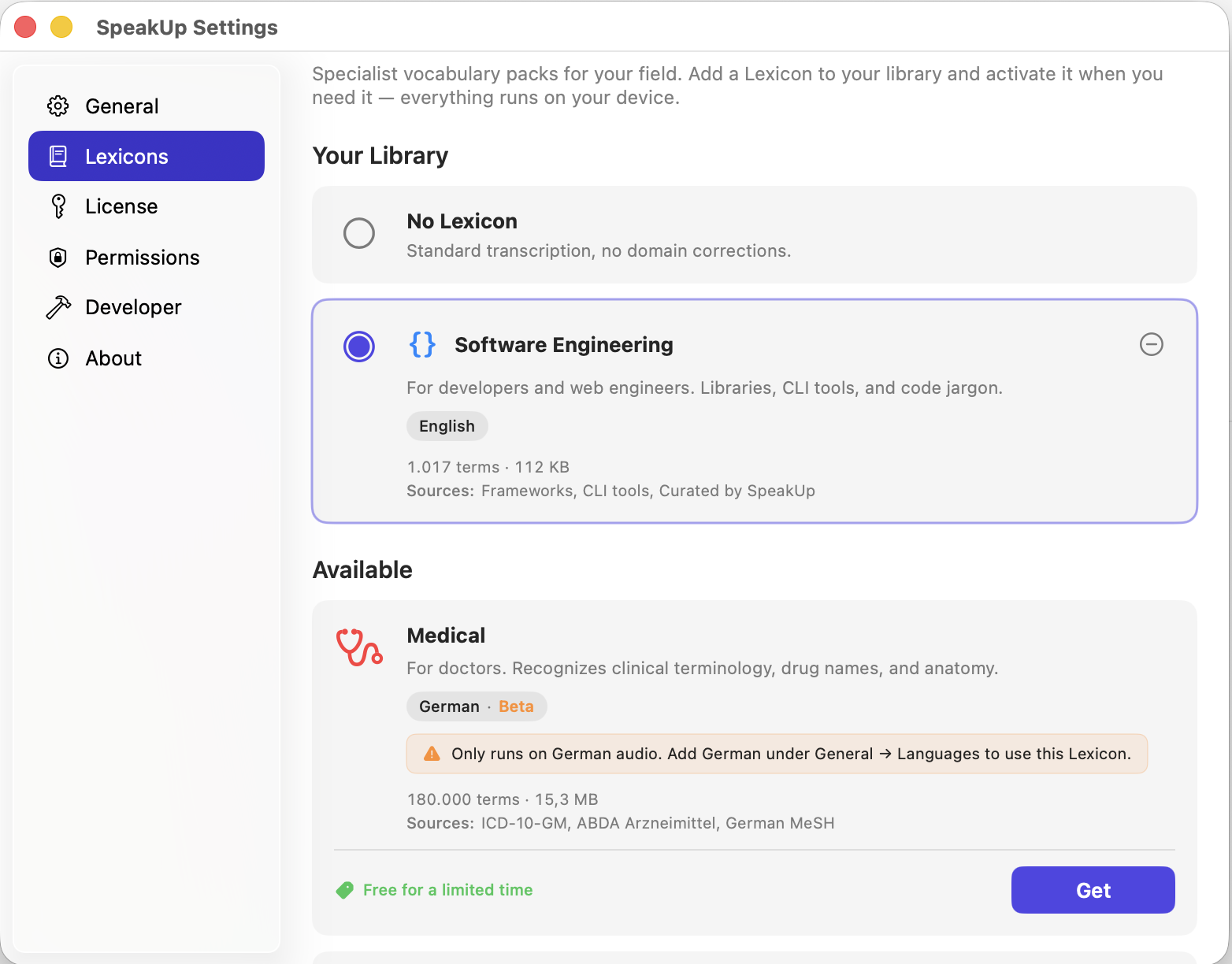
The Lexicon runs entirely on-device, like everything else in SpeakUp. It only activates when you dictate in English, so anything you write in another language stays untouched. For the full rundown on how the Lexicon is built and what it covers, see teaching SpeakUp your field's vocabulary.
Related: SpeakUp Features · Lexicons for developers · Privacy Architecture · SpeakUp vs Wispr Flow · SpeakUp für Entwickler (DE)